Use case 05 · Your stackExample

Bring a design to your stack.

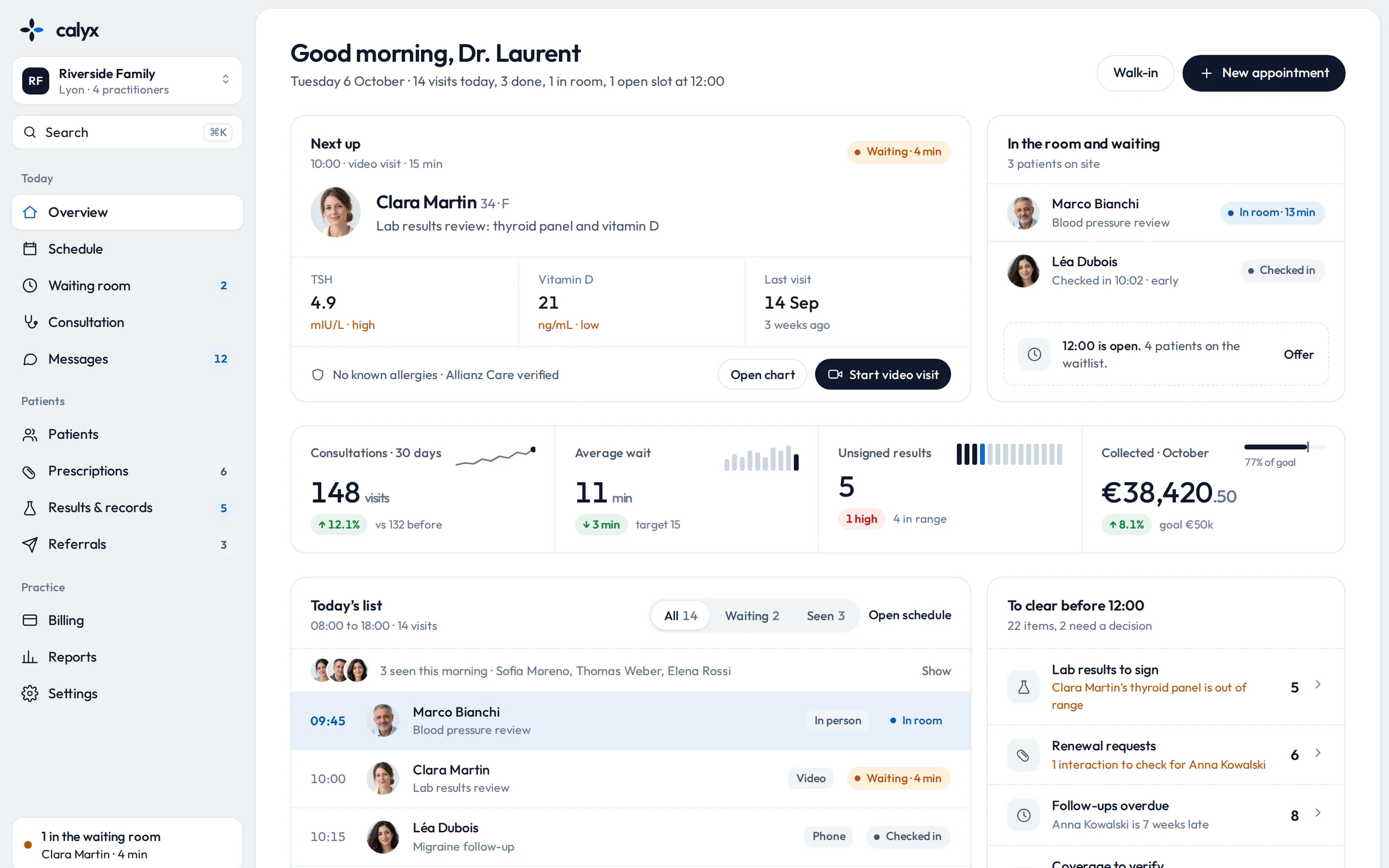
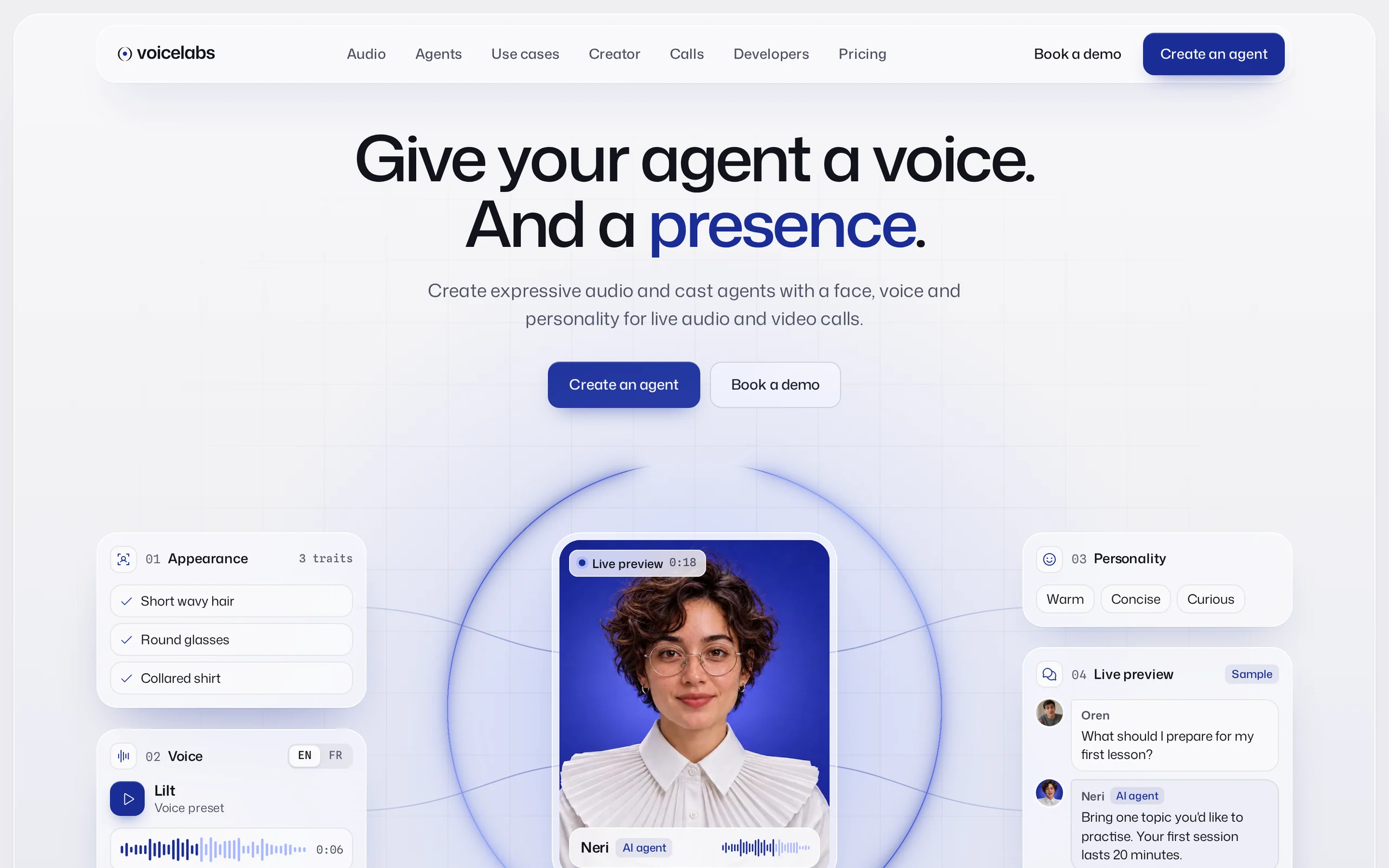
Your app is Next.js and the design you want is static HTML. The agent reads Xfield's pages and tokens and rebuilds them as typed components in your project, keeping the look and your conventions.

Starting point
A Next.js app with its own components and Tailwind config
Orvio product
XfieldWeb app · 0.1.3
Ran in
Codex
Access
CLI
Run
7 Nov 2026 · 52 min
Before and after
Drag to compare
Before · exampleAfter · Xfield
The starting point

The brief and the product.

What the team asked for, and the Orvio product the agent worked from.

The briefExample client

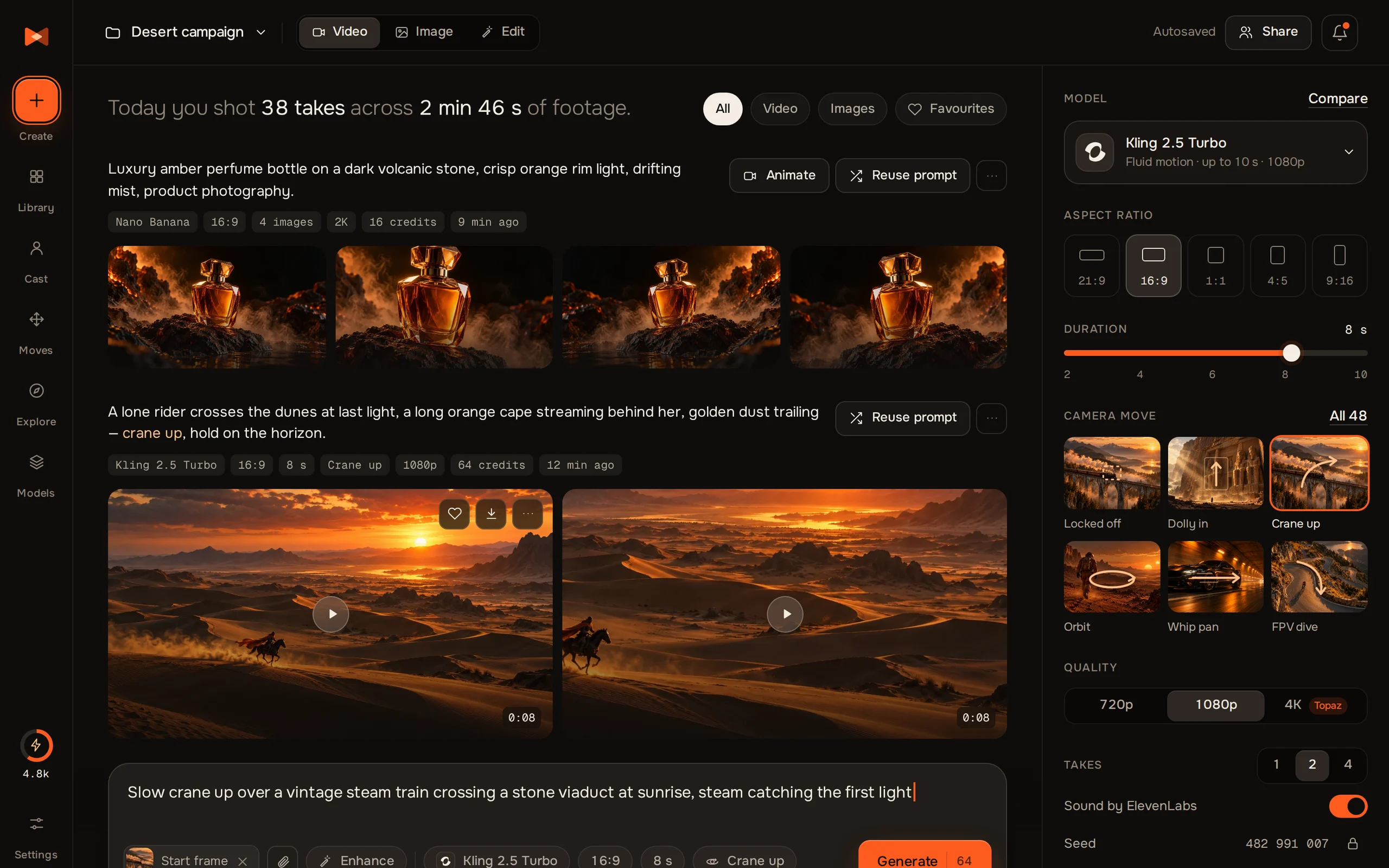
We build on Next.js with Tailwind and we want the Create and Library screens of Xfield in our app. Don't paste HTML into pages: I want real components that use our config, our folder layout and our test setup.

brief.md · from the lead developer, example
Keep
Our folders, Tailwind config, tests
Screens
Create, Library, Models
Stack
Next.js, TypeScript, Tailwind
Xfield, a screen of the product
XfieldWeb app · technology0.1.3
Tokens
Ember palette, type, spacing, radius
Components
Rail, prompt form, video card, model picker
Screens
Create, Library, Models
In a member's words

“My agent pulls the exact page I ask for, and it lands clean in my project.”

Nawar T.Personal development coach
The prompt

Exactly what the agent was told.

Copy it, swap the highlighted parts for your product and folders, and run it in your own tool.

Your stackRebuild a product in your frameworkRan in Codex
Using Orvio, run orvio pull xfield, then list_release_files and read_file the Create, Library and Models pages and the tokens file. Rebuild those three screens as React components in ./src/features/studio for our Next.js app: map the tokens to tailwind.config.ts, follow the folder and naming conventions in ./src, type the props, and add a test for each component the way ./src/features/billing does. Keep the look as Xfield draws it. List the components you created when you're done.
Remote MCP or CLIHighlighted parts are yours to replace
The breakdown

Who did what.

What came from the product, what the agent built from it, and what still needed a person.

Orvio supplied

What Orvio supplied

  • Pages and tokens as source files, in their own structure
  • Rail, form, video-card and model-picker patterns
  • A complete state set: empty, loading and error
  • Light and dark themes, with their states
The agent built

What the agent built

  • Create, Library and Models as typed components
  • Xfield's tokens mapped into the Tailwind config
  • Props and a test for every component
  • Routes added to the app's existing layout
A person did

What needed a manual touch

  • Video playback, wired to our own media API
  • Two icons replaced to match our set
  • Copy for the app's real model names
  • A review of focus order and keyboard use
Next steps

Do it on your app.

Use this product

Start from Xfield

Preview every screen free, then pull the source with MCP or the CLI.

Copy the prompt

Run it on your own app

Swap the highlighted parts for your folders and screens.

Using Orvio, run orvio pull xfield, then list_release_files and read_file the Create, Library and Models pages and the tokens file. Rebuild those three screens as React…
Related use cases

Keep going.

04 · Extend

Extend a design

Add the page a product doesn't have yet, drawn in the product's own style.

KeelroClaudeCodex
03 · Redesign

Redesign an existing interface

Give an inherited app a real design system without rewriting its logic.

CalyxClaudeCodex
01 · Client work

Build a client website

Start from a complete site and make it your client's: their words, their photos, their pages.

VoicelabsClaudeCodex
© Orvio · 2026