Use case 03 · RedesignExample

Redesign an existing interface.

An inherited practice tool gets a real design system. Same routes, same data, same tests; every screen rebuilt on Calyx's tokens and components.

Starting point
An inherited practice admin in React, plain CSS
Orvio product
CalyxWeb app · 0.3.1
Ran in
Claude Code
Access
Remote MCP
Run
4 Nov 2026 · 41 min
Before and after
Drag to compare
Before · exampleAfter · Calyx
The starting point

The brief and the product.

What the team asked for, and the Orvio product the agent worked from.

The briefExample client

Our front desk and doctors live in this tool all day. It works, but it looks like 2014 and nobody trusts the dashboard. Make it feel like a product we'd pay for, without touching the API.

brief.md · from the practice manager, example
Keep
Routes, data calls, tests
Screens
Dashboard, patients, appointments
Stack
React, plain CSS
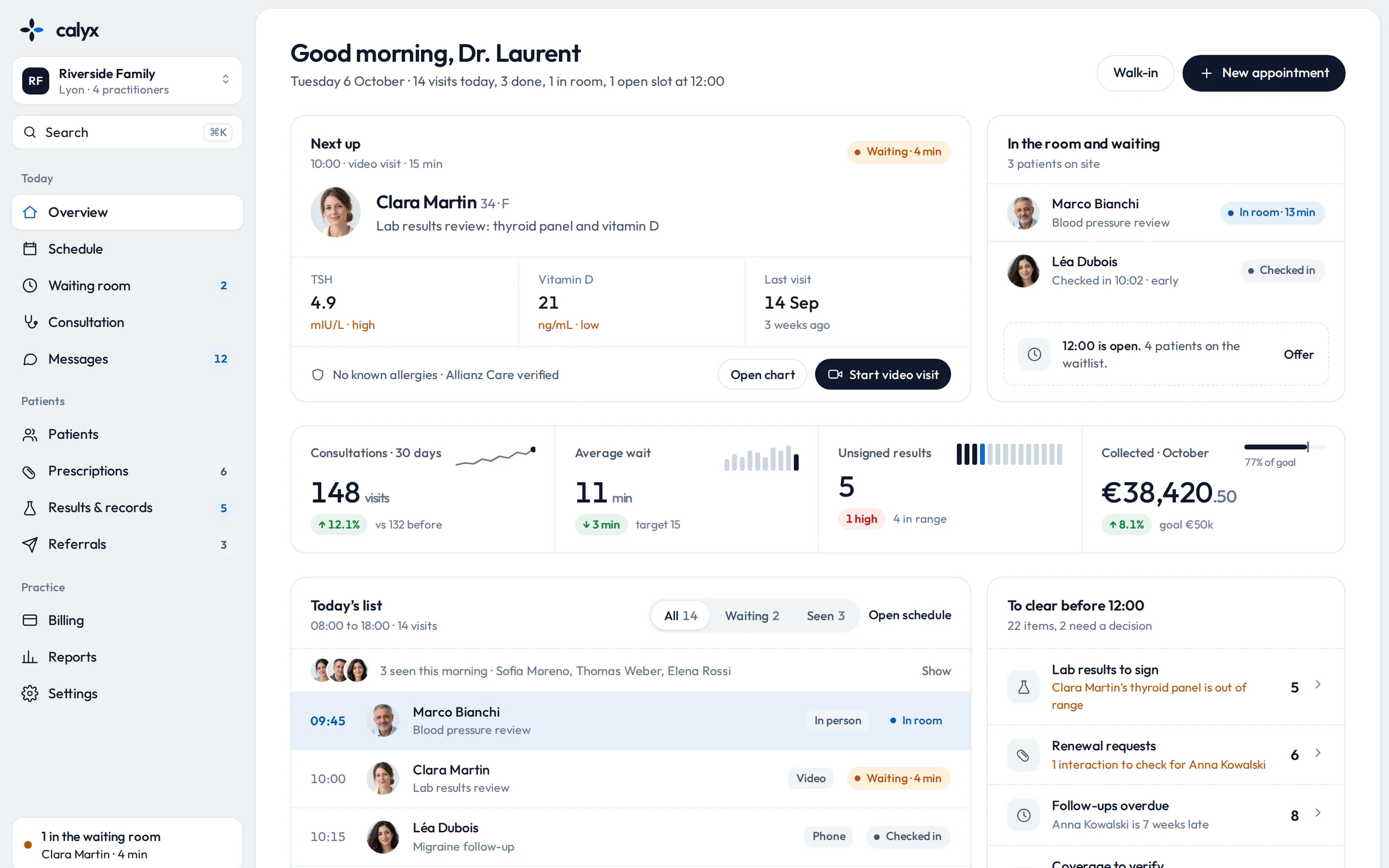
Calyx, a screen of the product
CalyxWeb app · healthcare0.3.1
Tokens
Colour, type, spacing, radius
Components
Sidebar, table, badges, panels
Screens
Overview, Patients, Appointments
In a member's words

“With Orvio the structure and tokens are clean enough that I build on them instead of fighting them.”

Sacha S.Full-stack developer
The prompt

Exactly what the agent was told.

Copy it, swap the highlighted parts for your product and folders, and run it in your own tool.

RedesignRestyle an app on a product's design systemRan in Claude Code
Using Orvio, read Calyx: its design tokens, its components and its Overview, Patients and Appointments screens. Redesign my practice app in ./app on Calyx's design system: map my colours, type, spacing and radii to its tokens, rebuild the sidebar, patient tables, status badges and side panels with its components, and keep every route, data call and test as it is. Don't change anything under ./api. When you're done, list the files you changed and anything you couldn't map to Calyx.
Remote MCP or CLIHighlighted parts are yours to replace
The breakdown

Who did what.

What came from the product, what the agent built from it, and what still needed a person.

Orvio supplied

What Orvio supplied

  • Design tokens: colour, type, spacing, radius and shadow
  • Sidebar, table, badge and side-panel components
  • Reference screens: Overview, Patients, Appointments
  • Light and dark themes, with their states
The agent built

What the agent built

  • A theme layer mapping the app's styles to Calyx's tokens
  • Sidebar, patient list and appointment panel, rebuilt
  • Empty and loading states in Calyx's style
  • Dark mode from the product's own theme
A person did

What needed a manual touch

  • Chart colours for two custom reports
  • A referral form Calyx doesn't include
  • Copy on the empty states
  • A final review on desktop and phone
Next steps

Do it on your app.

Use this product

Start from Calyx

Preview every screen free, then pull the source with MCP or the CLI.

Copy the prompt

Run it on your own app

Swap the highlighted parts for your folders and screens.

Using Orvio, read Calyx: its design tokens, its components and its Overview, Patients and Appointments screens. Redesign my practice app in ./app on Calyx's design…
Related use cases

Keep going.

04 · Extend

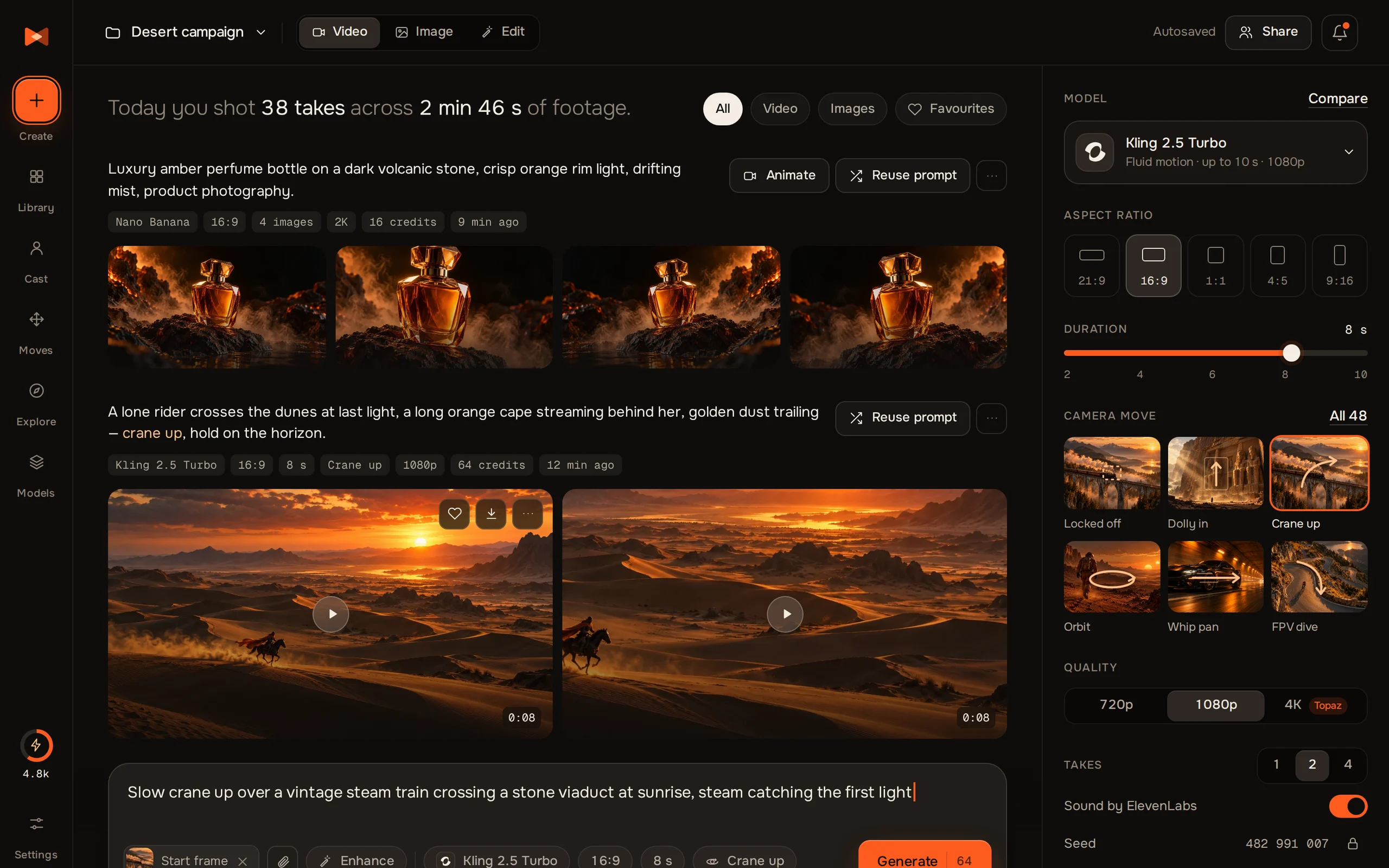
Extend a design

Add the page a product doesn't have yet, drawn in the product's own style.

KeelroClaudeCodex
05 · Your stack

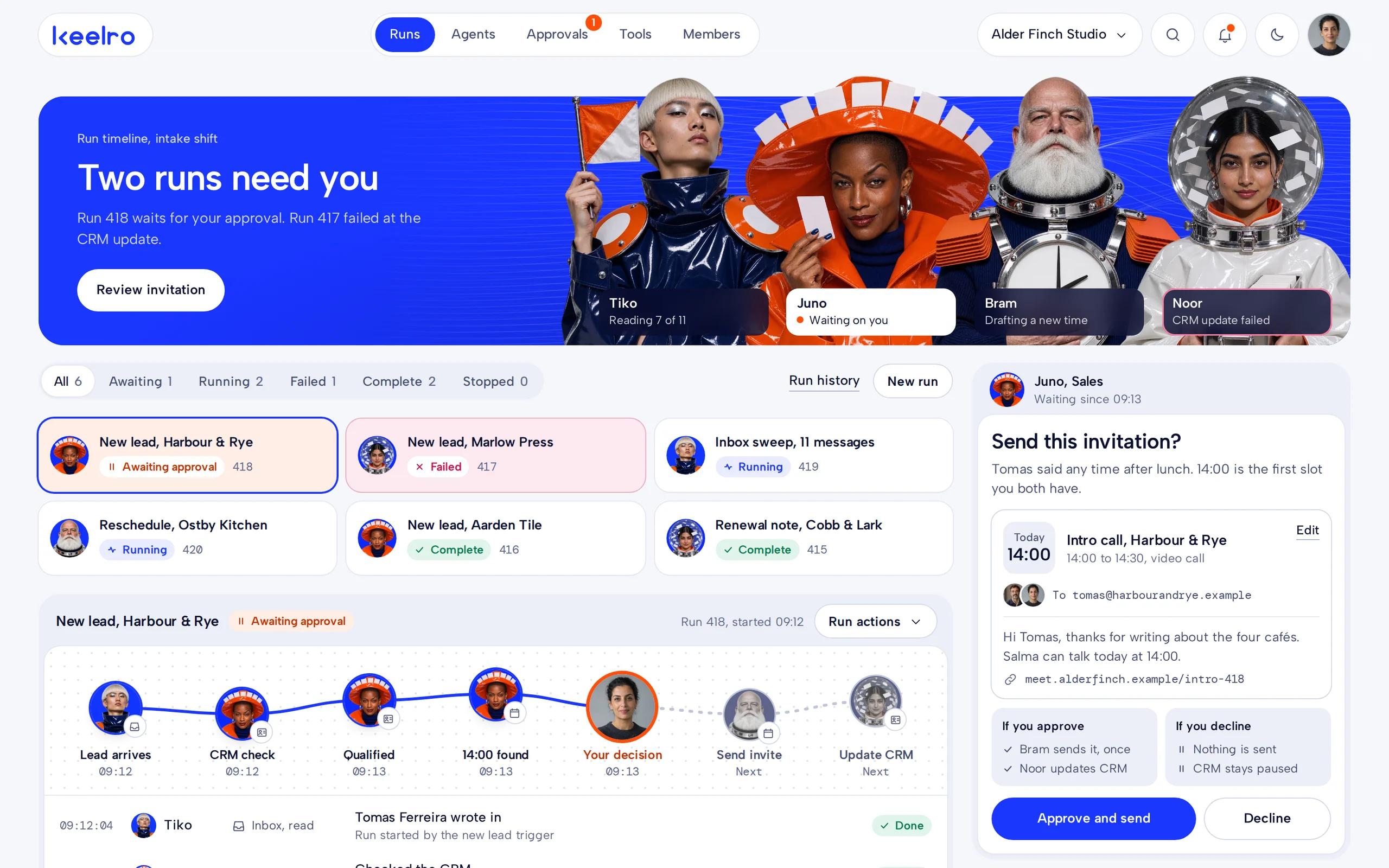
Bring a design to your stack

Rebuild a product's pages as components in the framework you already use.

XfieldClaudeCodex
02 · Launch

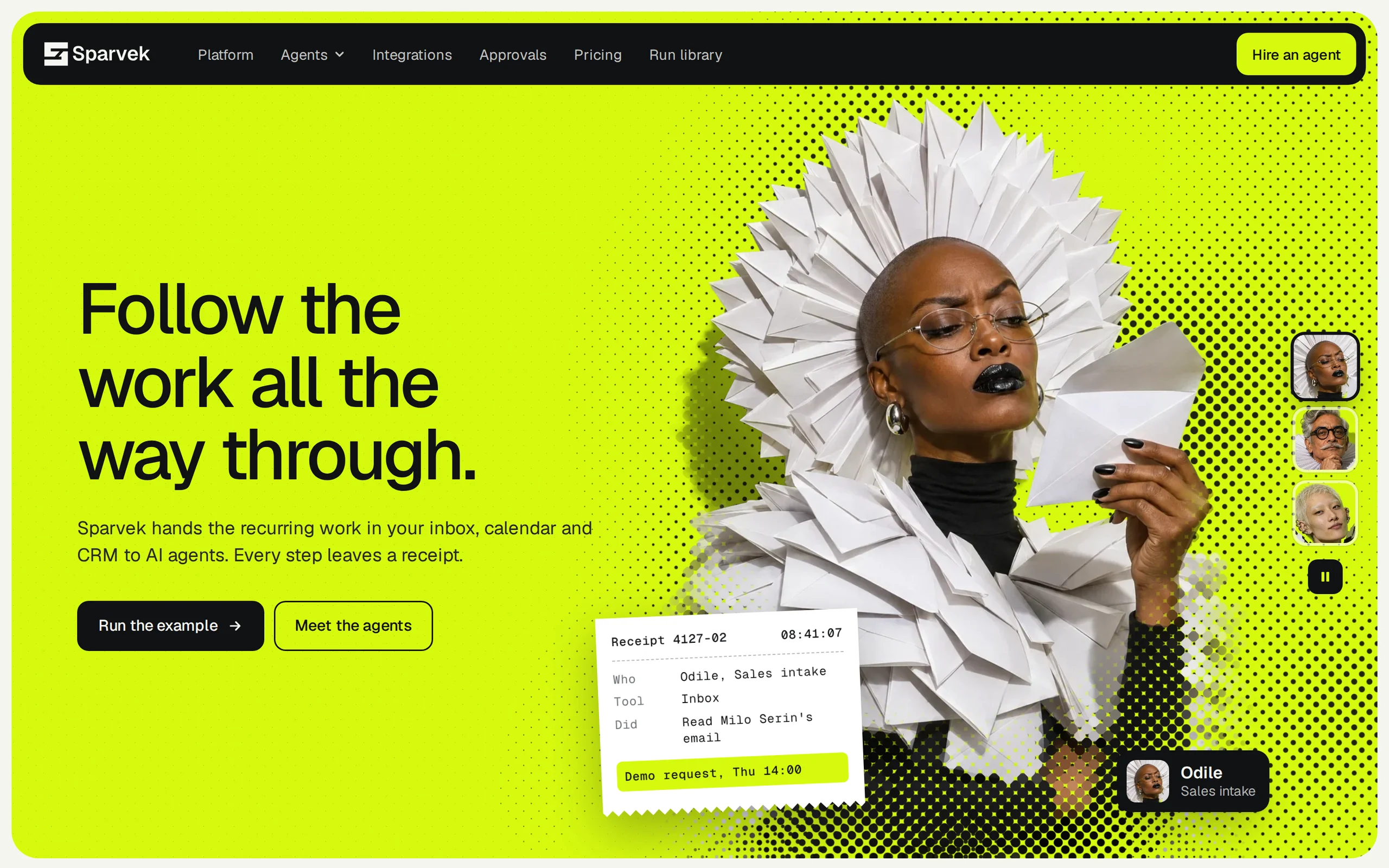
Launch a product

A launch site that looks finished on day one, not another gradient hero.

SparvekClaudeCodex
© Orvio · 2026