Use case 01 · Client workExample

Build a client website.

A small practice needs a site that looks established by Friday. Start from Voicelabs, keep its layout, type and motion, and let the agent fill every page with the client's own words and photos.

Starting point
A client brief, a logo and a folder of their photos
Orvio product
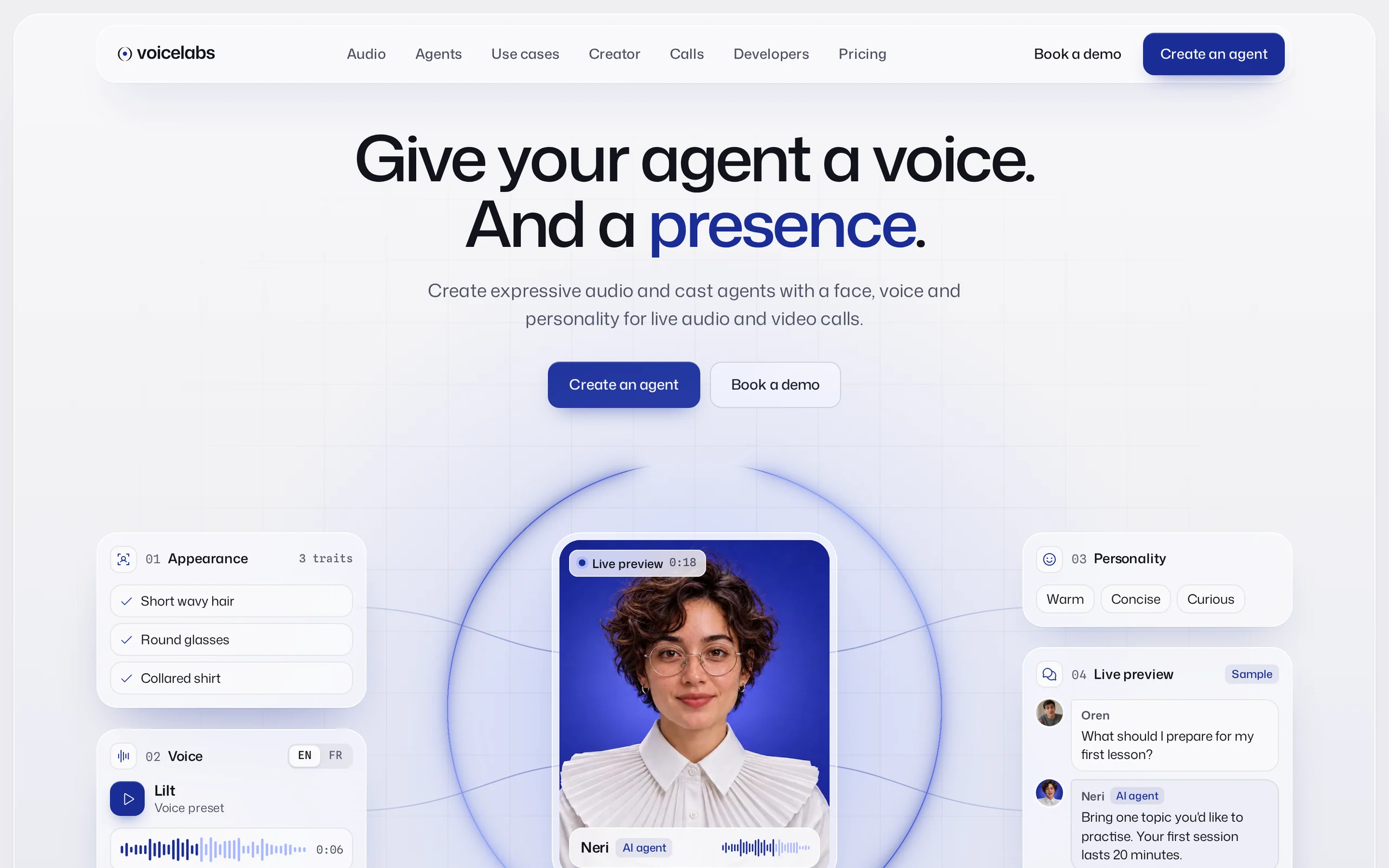
VoicelabsWebsite · 0.1.0
Ran in
Claude Code
Access
Remote MCP
Run
12 Nov 2026 · 38 min
Before and after
Drag to compare
Before · exampleAfter · Voicelabs
The starting point

The brief and the product.

What the team asked for, and the Orvio product the agent worked from.

The briefExample client

We run a speech-therapy practice in Lyon and we are launching a voice assistant that books sessions. We need a site that feels calm and credible, not like every AI start-up. We have a logo, twelve photos and the copy in a document.

brief.md · from the practice owner, example
Keep
Layout, type scale, motion
Screens
Home, how it works, pricing, contact
Stack
Static HTML, CSS and JS
Voicelabs, a screen of the product
VoicelabsWebsite · technology0.1.0
Tokens
Colour, type, spacing, radius
Components
Header, voice player, pricing cards, forms
Screens
Home, Product, Pricing, Contact
In a member's words

“I picked a product from Orvio, had Claude adapt it to the client's brand, and the result looked hand-designed from the first draft.”

Majid C.Founder, La Quête de l’IA
The prompt

Exactly what the agent was told.

Copy it, swap the highlighted parts for your product and folders, and run it in your own tool.

Client workTurn a product into a client's websiteRan in Claude Code
Using Orvio, call get_product for Voicelabs, then read_tokens and get_page for its Home, Pricing and Contact pages. Start my project in ./site from that release. Rewrite every page for Marlow Speech from ./brief.md, use the photos in ./photos, and keep the layout, type and motion exactly as they are. Replace the product's own logo and names with the client's. When you're done, list the pages you wrote and anything in the brief that the layout had no place for.
Remote MCP or CLIHighlighted parts are yours to replace
The breakdown

Who did what.

What came from the product, what the agent built from it, and what still needed a person.

Orvio supplied

What Orvio supplied

  • A finished site: home, product, pricing and contact
  • Design tokens: colour, type, spacing and radius
  • The voice player and presence-ring components
  • Light and dark themes, with their states
The agent built

What the agent built

  • Every page rewritten in the client's voice
  • Their photos placed, cropped and given alt text
  • The logo and names swapped through the tokens
  • A contact form wired to the client's address
A person did

What needed a manual touch

  • Two photos replaced: they were too dark for the hero
  • The legal pages, written by the client's lawyer
  • A review of the copy by the practice owner
  • Domain, analytics and the final launch check
Next steps

Do it on your app.

Copy the prompt

Run it on your own app

Swap the highlighted parts for your folders and screens.

Using Orvio, call get_product for Voicelabs, then read_tokens and get_page for its Home, Pricing and Contact pages. Start my project in ./site from that release. Rewrite…
Related use cases

Keep going.

02 · Launch

Launch a product

A launch site that looks finished on day one, not another gradient hero.

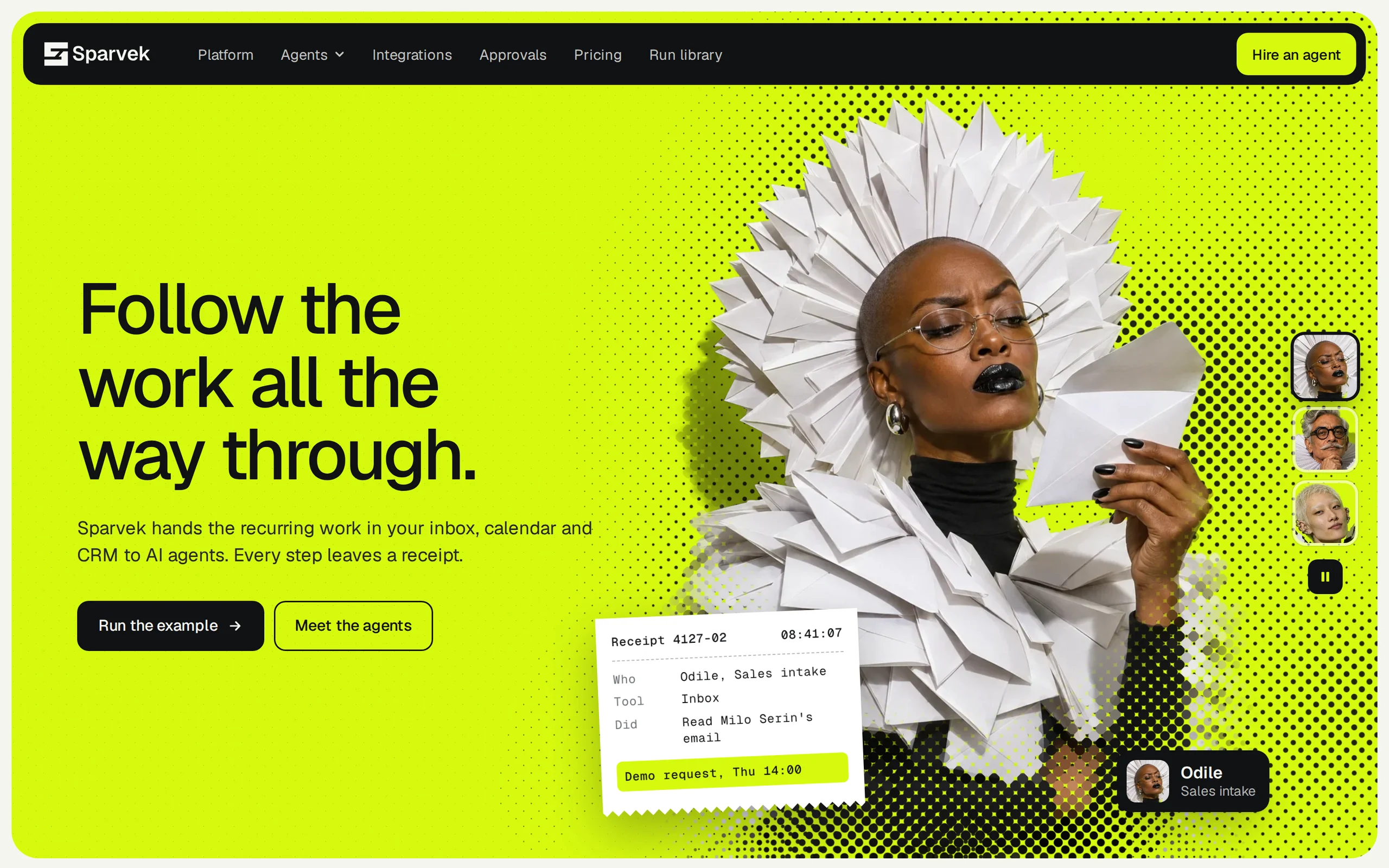
SparvekClaudeCodex
03 · Redesign

Redesign an existing interface

Give an inherited app a real design system without rewriting its logic.

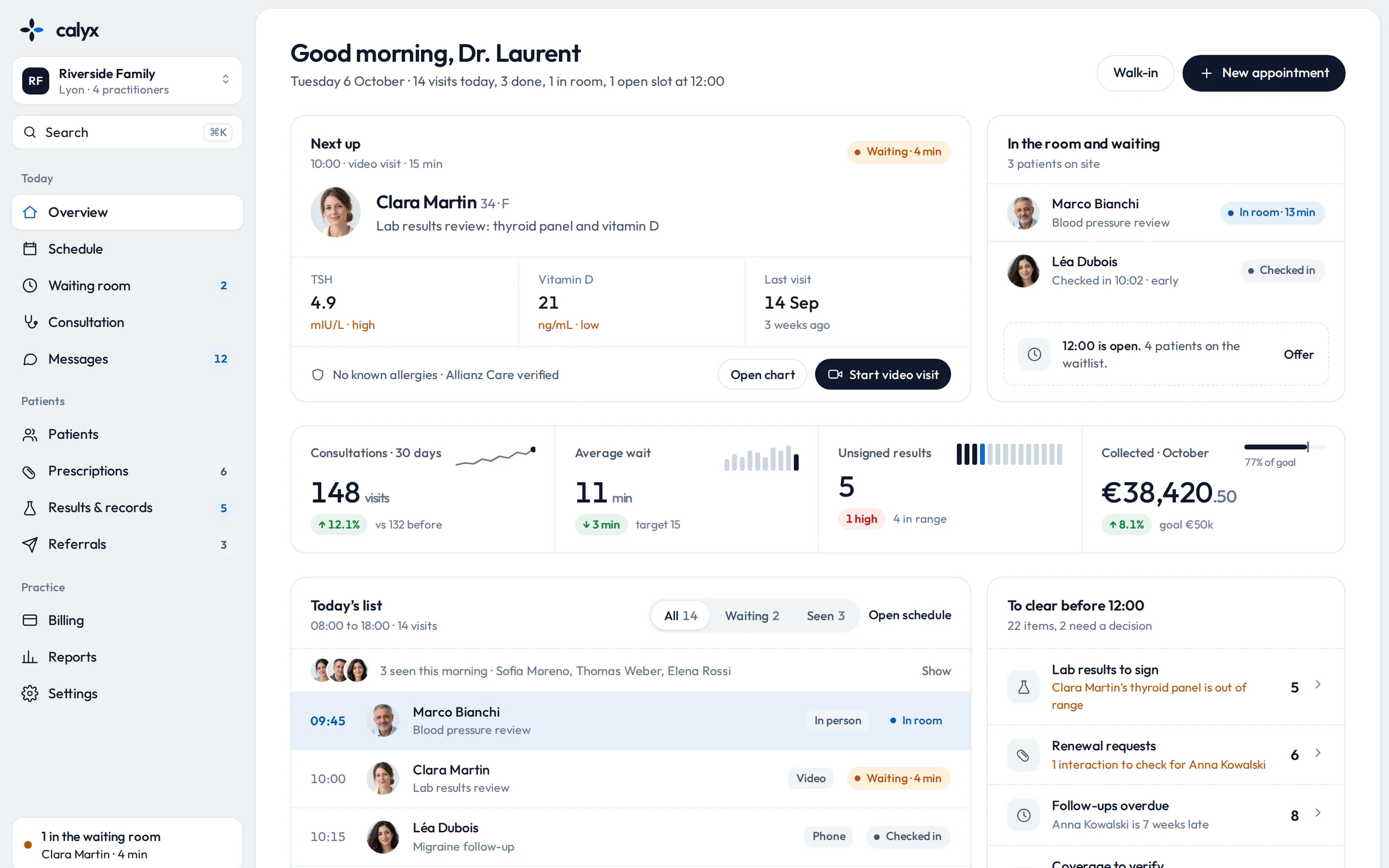
CalyxClaudeCodex
04 · Extend

Extend a design

Add the page a product doesn't have yet, drawn in the product's own style.

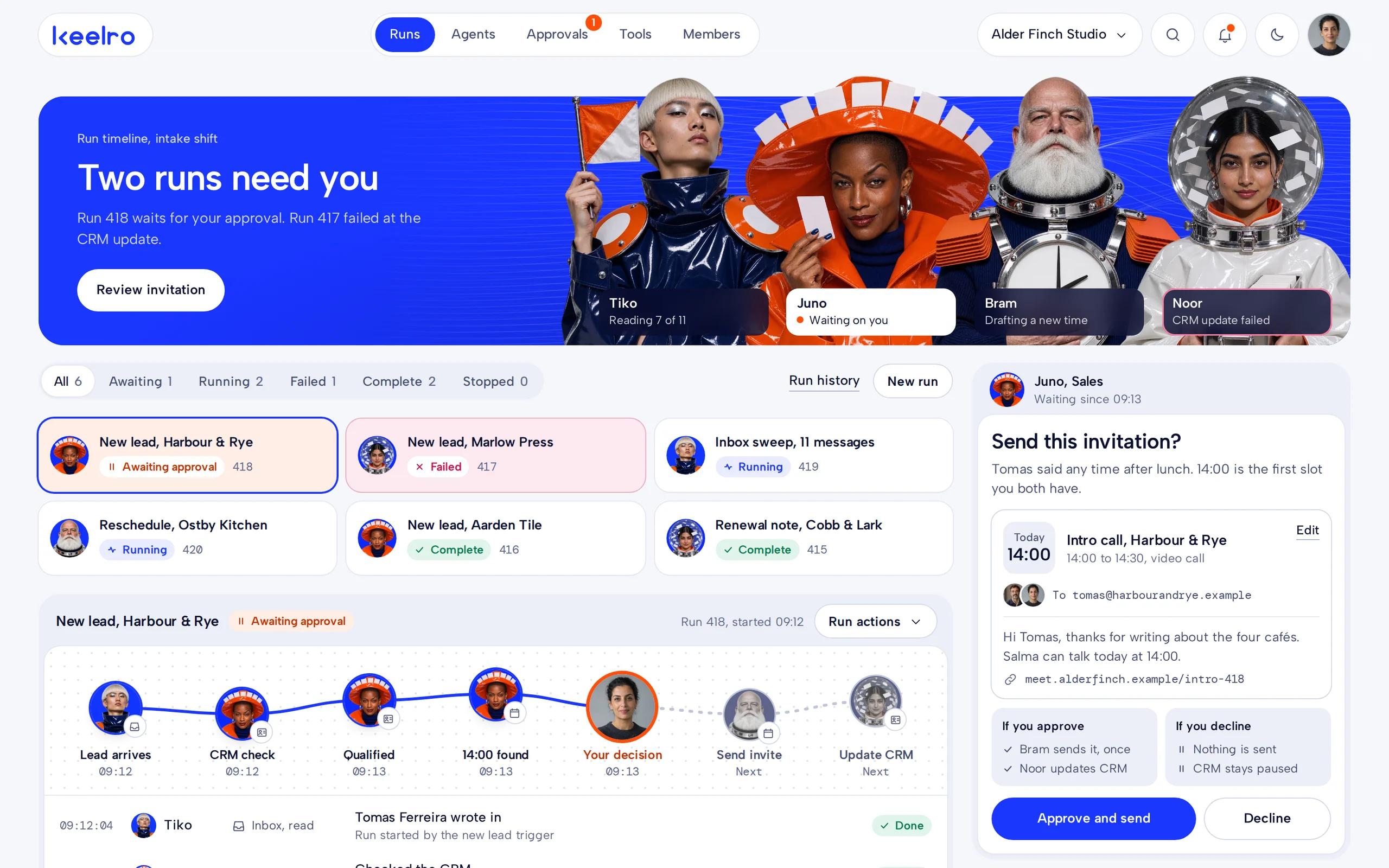
KeelroClaudeCodex
© Orvio · 2026